DC Leads
Forms, a lead list and campaign tracking for Joomla.
- Never lose a lead, even when email fails
- Easy to set up: three starter forms ready on install
- See which ad, campaign or click brought each lead
- 16 field types, with international phone and country
- Works on phones, sends without reloading the page
- Honeypot, timer and captcha against spam
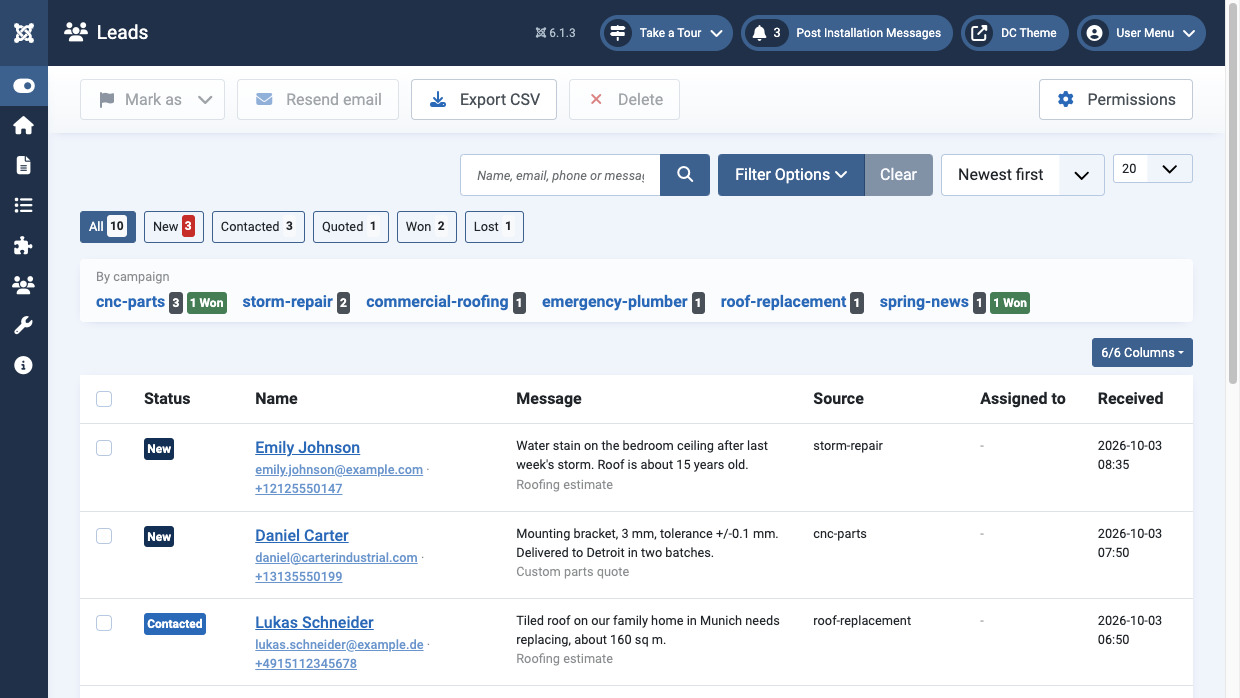
- Lead list with statuses, notes and CSV export
- Looks right in any Joomla template
Never lose a lead, and know which ad brought it
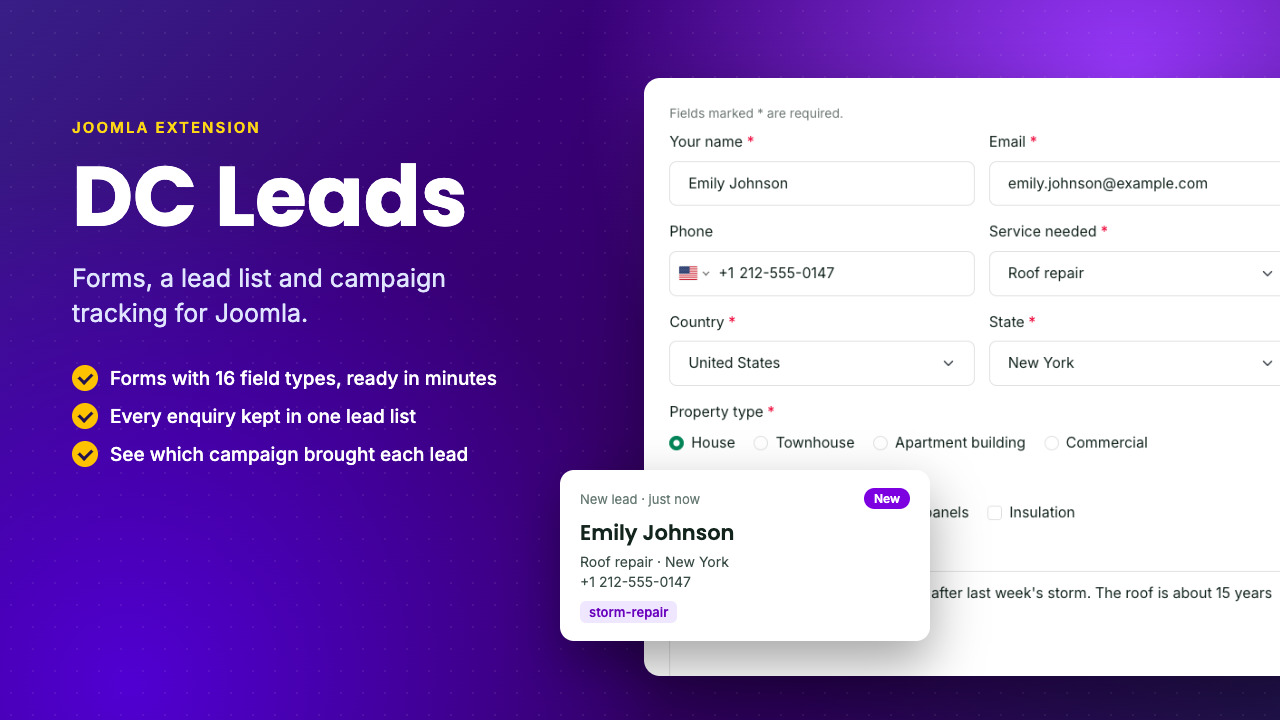
Most contact forms only send an email. If it bounces or lands in spam, the lead is lost. DC Leads saves every enquiry, resends any email that failed, and shows which ad brought each lead.
Forms for every enquiry
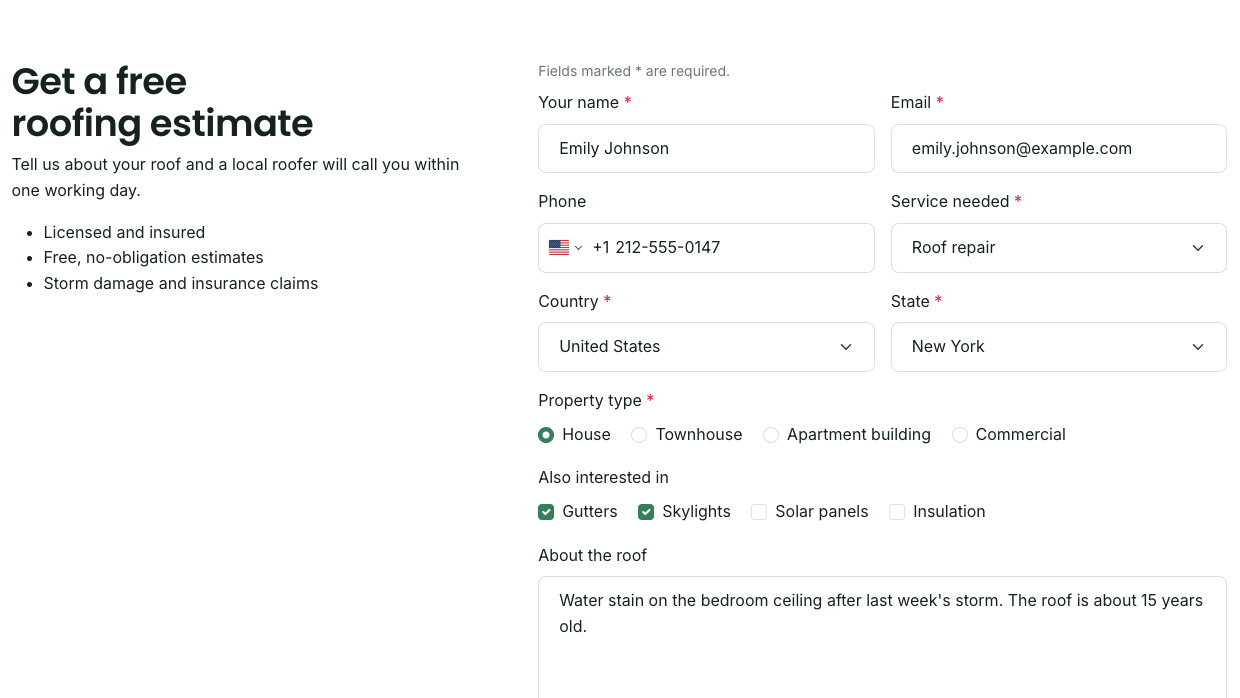
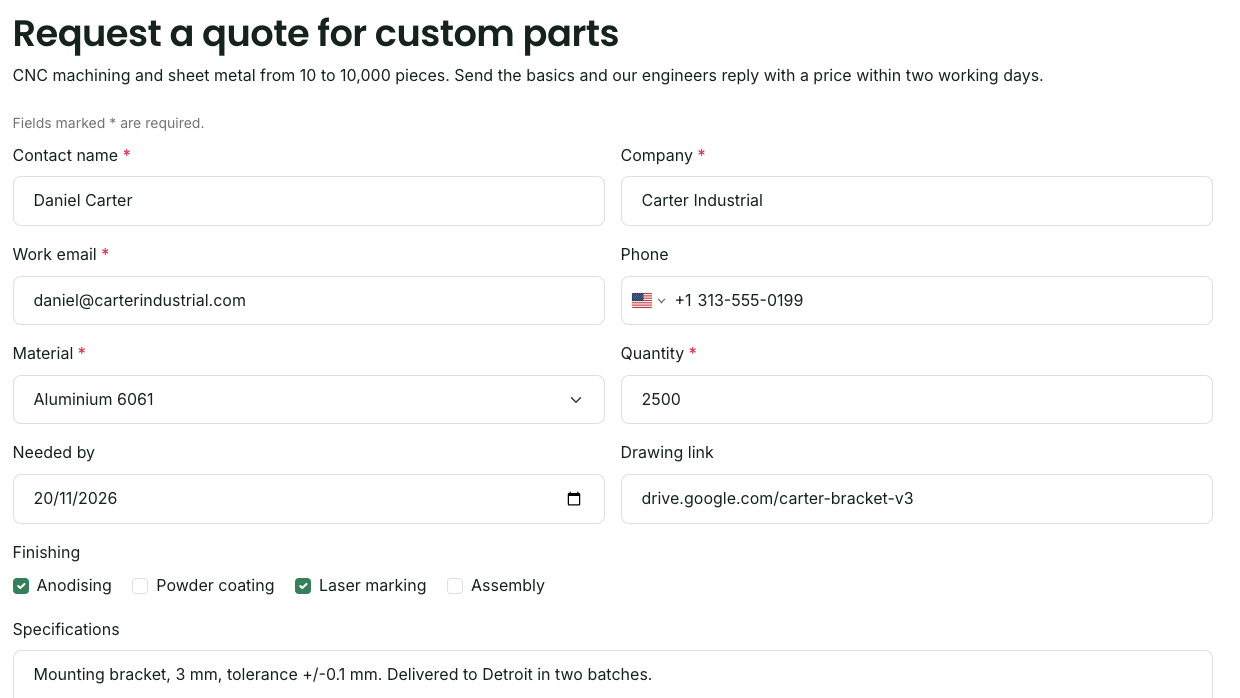
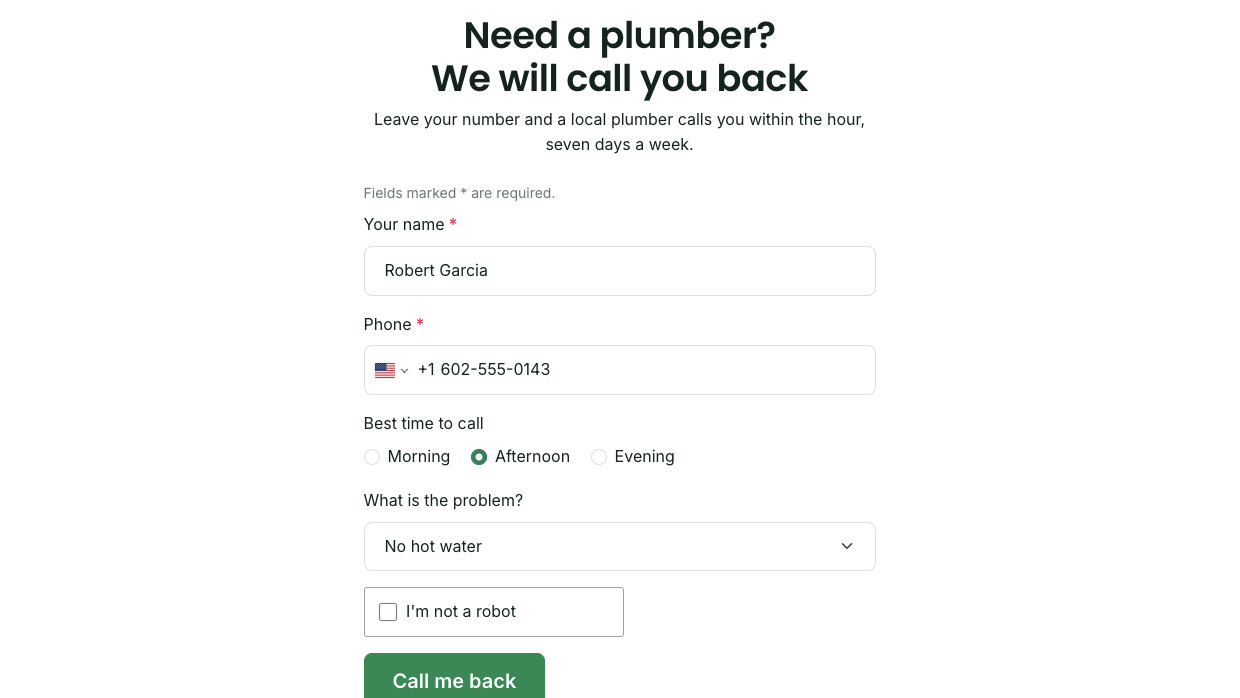
Build as many forms as you need, from a two-field call-back to a full quote request, and place each one where it converts.
Easy to set up, easy to use
Your first form can take enquiries a few minutes after install.
Install
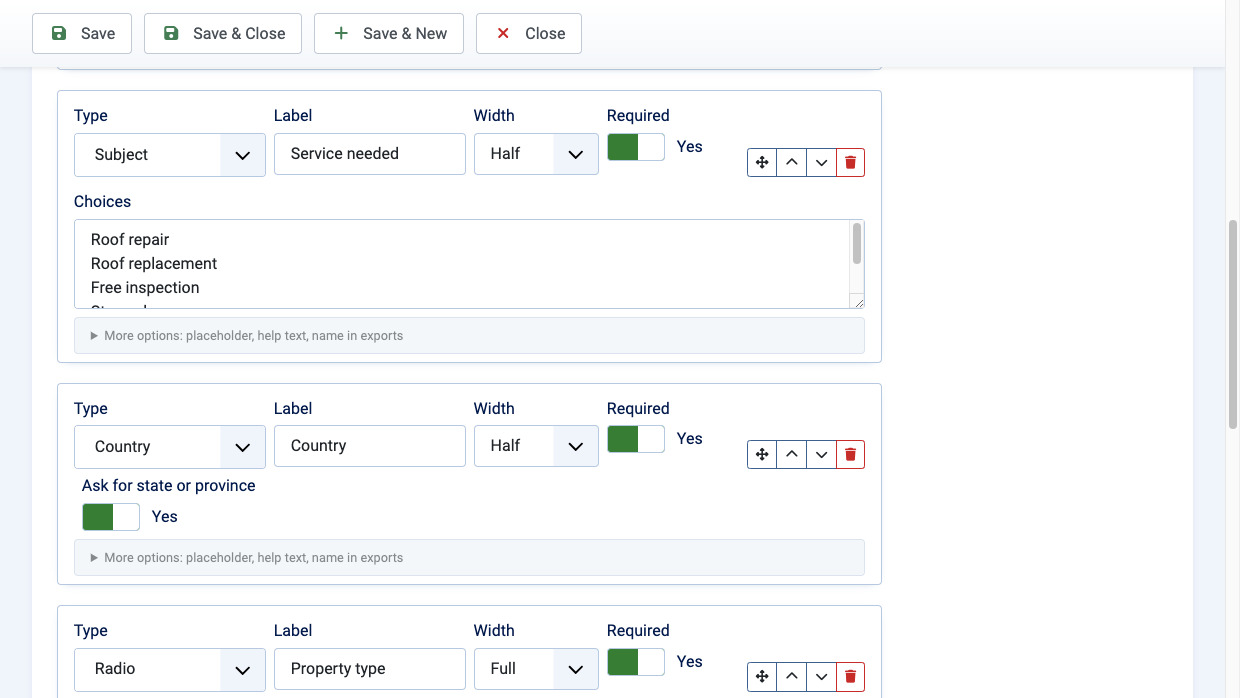
Three starter forms are ready on install: Contact, Request a quote and Call me back. Edit a label or add a field in the builder, no code.
Place
Add a module or a menu item, pick the form, and choose where the text sits: above, beside or centred.
Follow up
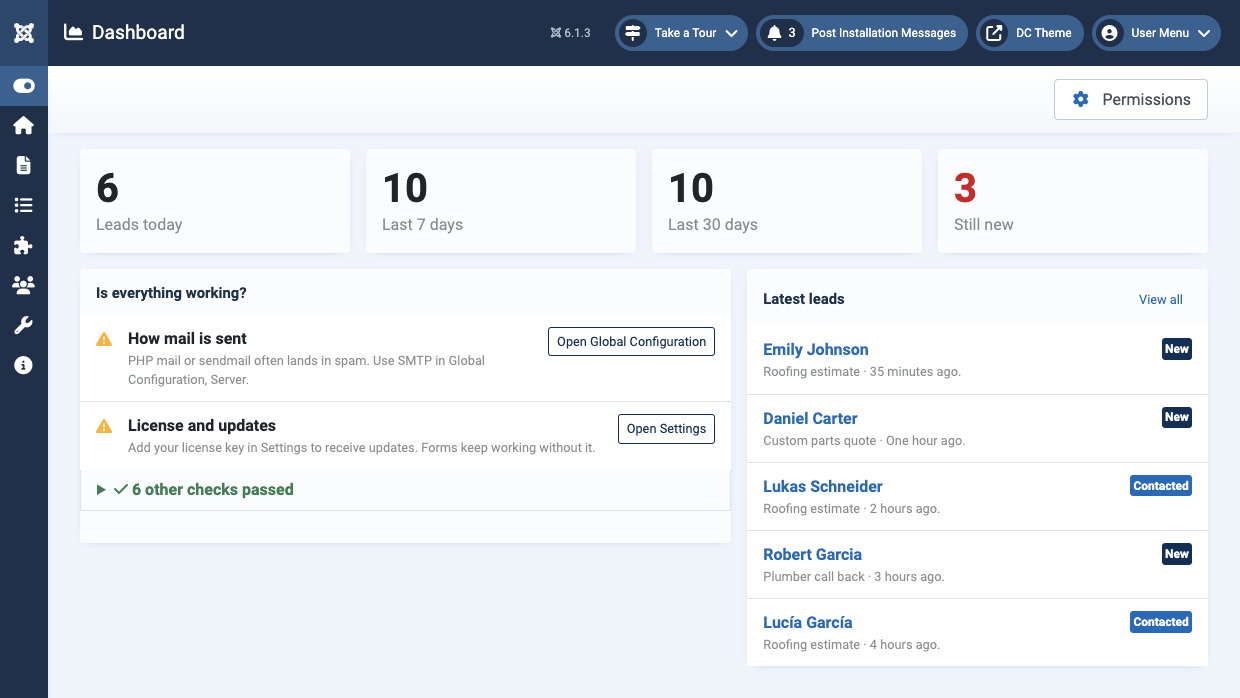
Leads arrive in your list and your inbox. The dashboard checks your mail setup and flags anything that needs fixing.
From first click to won deal
One package: the form, the lead list and the tracking.
Capture
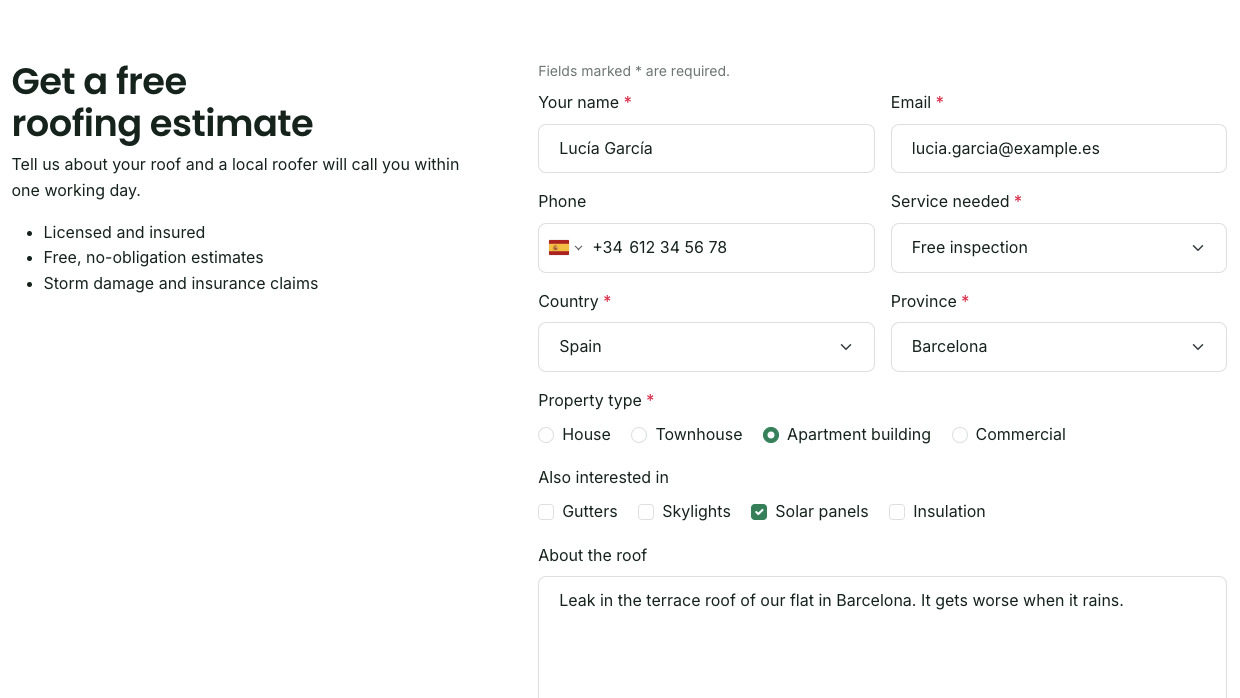
16 field types, full or half width, choices side by side, placeholders and help text.
Keep
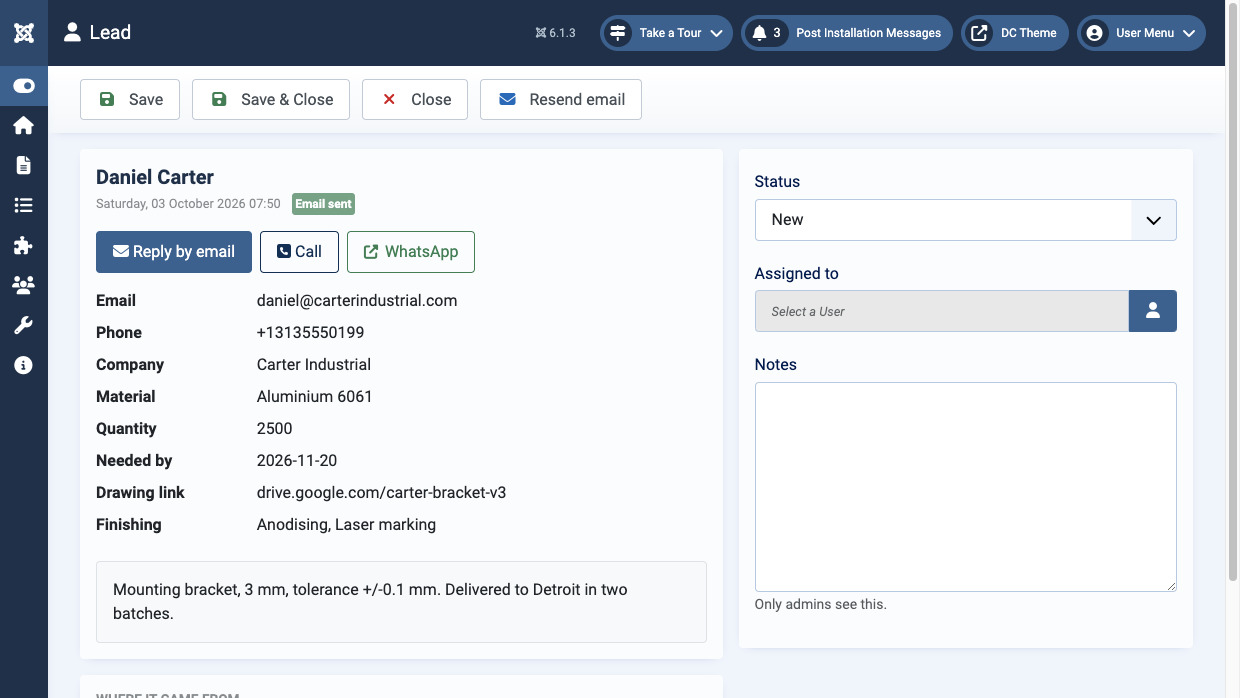
Every lead is in your list, even when an email fails. The dashboard flags it and resends it in one click.
Track
UTM tags, Google and Meta click ids, landing page and referrer, kept from the first visit.
Follow up
Mark leads contacted, quoted, won or lost, assign them, add notes and export to CSV.
Built for the people filling it in
Phone numbers that work
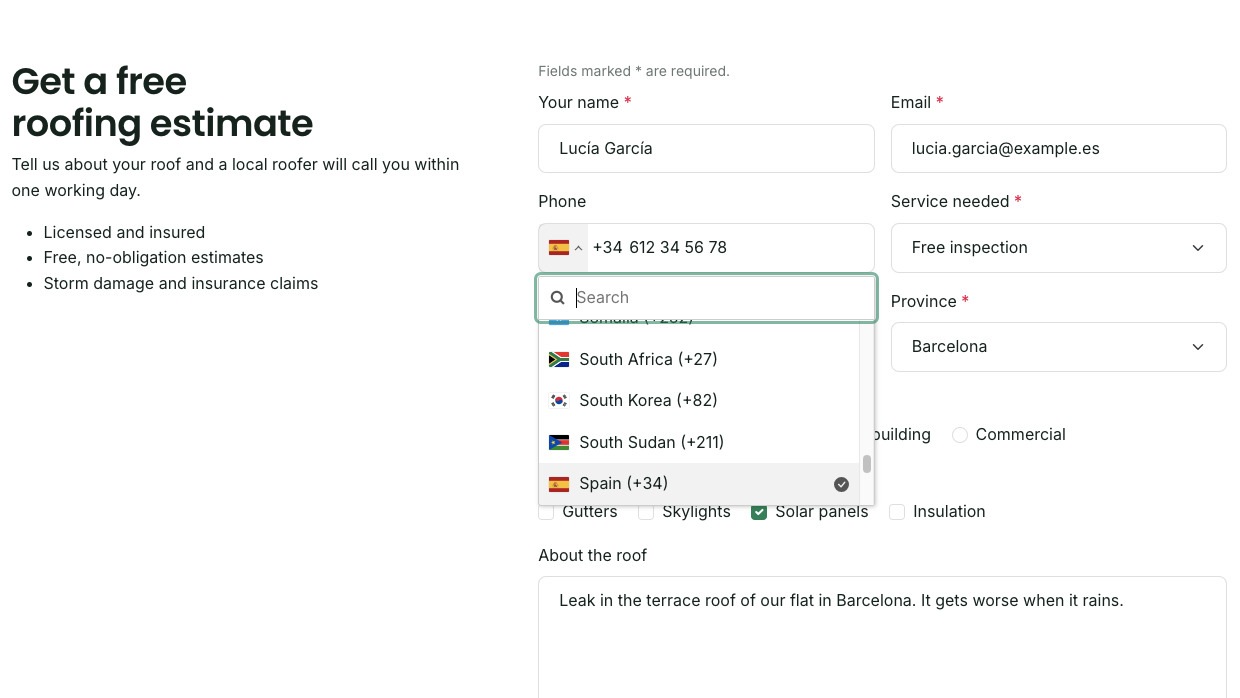
A country picker with flags formats and checks the number as it is typed, and stores it in international form, ready to call or message.
Country and state
A searchable list of 249 countries, with an optional state or province list for 13 of them and a text box for the rest.
Quick on any phone
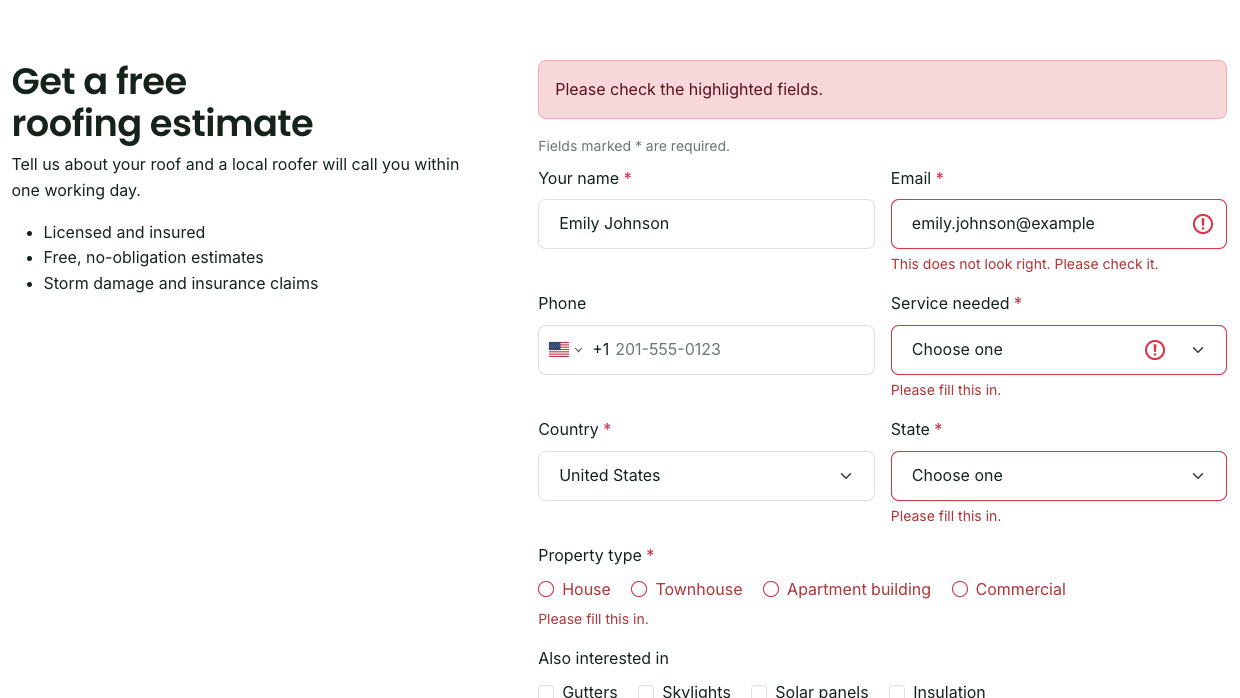
Errors show beside each field and the thank you appears in place. Screen readers hear every label and error, and the form still sends without JavaScript.
Quiet on spam
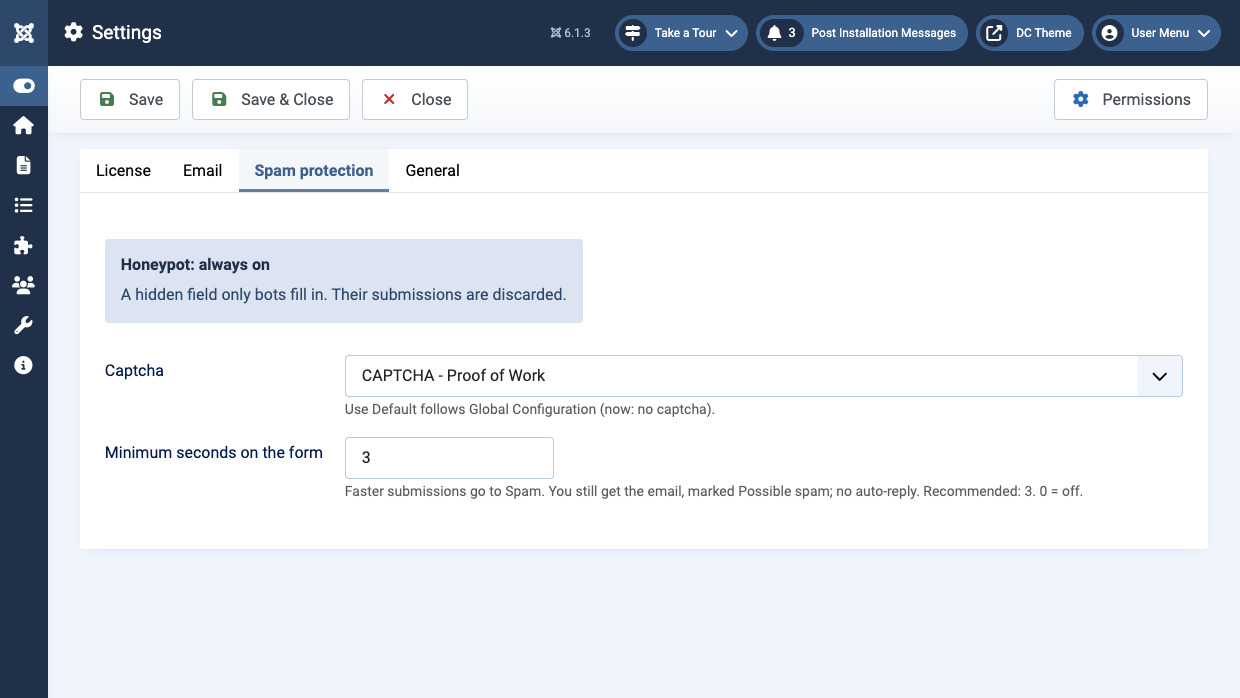
Invisible checks come first, so visitors from your ads see no puzzle. Most forms need nothing more; a captcha is there for the ones that do.
Honeypot
A hidden field that only bots fill in. Their submissions are discarded.
Timer
Forms sent faster than a person can type go to Spam, still emailed to you and marked, so nothing real is lost.
Captcha
Any Joomla captcha plugin, such as the built-in Proof of Work, for all forms or for DC Leads alone.
How DC Leads compares
Built for capturing and following up leads on your own Joomla site.
| DC Leads | Jotform | Typeform | WPForms Pro | Joomla contact form | |
|---|---|---|---|---|---|
| Built for Joomla: installs as an extension, uses Joomla's updates and permissions | Yes | No | No | No | Yes |
| Runs on your own site, leads in your own database | Yes | No | No | Yes | No |
| No monthly limit on submissions | Yes | No | No | Yes | Yes |
| Leads in a list to work from | Yes | Yes | Yes | Yes | No |
| Lead statuses, assignment and private notes | Yes | Yes | Partly | Partly | No |
| Ad and campaign kept from the visitor's first page (UTM, gclid, fbclid) | Yes | Partly | Partly | Partly | No |
| Alert and one-click resend when a lead email fails | Yes | Partly | No | Partly | No |
| International phone field with flags and validation | Yes | Partly | Yes | Yes | No |
| Country with a state or province list that follows it | Yes | Partly | No | No | No |
| Invisible spam protection on by default | Yes | No | Partly | Yes | No |
| Conditional logic | In progress | Yes | Yes | Yes | No |
| Multi-step forms | In progress | Yes | Yes | Yes | No |
| File uploads | In progress | Yes | Yes | Yes | No |
| CRM and email marketing integrations | In progress | Yes | Yes | Partly | No |
| First year | $79 (5 sites) $199 (unlimited) |
$408 (1,000 submissions a month) |
$300 (100 responses a month) |
$199.50 (5 sites, WordPress only) |
Free |
| Each year after | 40% off $47.40 (5 sites) $119.40 (unlimited) |
$408 | $300 | $399 | Free |
Yes Partly, or with extra setup or add-ons No In progress
Frequently asked questions
Will the forms match my template?
Yes. Forms are built from standard Bootstrap fields and buttons, so they take your template's fonts, colours and spacing. You choose the button style and whether text sits above, beside or centred with the form.
Do the forms work on phones?
Yes. Fields stack on small screens, the phone field opens the number keypad, and the form sends without reloading the page. Most visitors from ads arrive on a phone, so the forms are built for it.
How do I put a form on a page?
Add a DC Leads module to any position, or a menu item that shows the form as its own page. Give the module an anchor and any button can scroll to it with a link like #enquiry.
What happens if my site's email stops working?
The lead is already in your lead list before any email is sent, so nothing is lost. The dashboard shows which notifications did not go out and sends them again in one click once mail works. It also warns about mail settings that often land in spam.
Can I see which ad a lead came from?
Yes. UTM tags, Google and Meta click ids, the landing page and the referring site are kept from the visitor's first page, even if they browse around before filling in the form. The lead list groups leads by campaign and counts the ones you won.
Do I need a captcha?
Usually not. A hidden honeypot field and a timer stop most bots without asking visitors to do anything. If spam still gets through, pick any Joomla captcha plugin in Settings, such as the built-in Proof of Work.
Can visitors get a confirmation email?
Yes. Turn on the auto-reply and write your own subject and message, with the visitor's name and your site name filled in. Replies to it go to the address you choose.
Can I export my leads?
Yes, as a CSV file that opens cleanly in Excel or Google Sheets, with every answer, the campaign details and your notes. The export follows the filters you have set.
Where are leads stored?
In your own Joomla database. No outside service sees them. Add a consent box to any form where you need one, and leads are kept when you uninstall unless you switch that off.
Can visitors upload files?
Not yet. Image and file attachments are in progress.
What happens when my licence ends?
Your forms keep working and every lead stays in place. Updates arrive in Joomla's own update manager while the licence is active; after it ends only new versions stop. Renew at 40% off to keep receiving them.
How do I get help?
Email [email protected] for a personal reply. If DC Leads is missing something you need, tell us: requests shape what we build next.